


Cold-storage facilities move forklifts, pallet jacks, personnel and products through insulated doors, high-speed openings and refrigerated docks. These transitions connect staging, coolers, freezers and outbound shipping.
BrinkAlert provides visible LED indication for compatible powered doors, docks and restricted-view openings. The retrofit-oriented systems help personnel recognize connected-door or approach status while existing procedures remain in place.
Cold Storage & Refrigerated Warehouses LED Safety Lights

Visible Door Status
Know at a glance what the door is doing.

Temperature Zone Transitions
Clear cues when moving between zones.

Loading Dock Communication
Better engagement at docks and blind openings.

Retrofit Friendly Integration
Use with existing door and dock equipment.
What Makes Cold Storage Different
Cold-storage traffic passes through doors separating changing environments. Forklifts may move from staging into a cooler, then through an insulated or high-speed freezer door. Solid doors, pallets, racking and insulated walls can restrict sightlines.
High-cycle doors operate repeatedly, sometimes with traffic approaching from opposite sides. Refrigeration machinery competes with audible signals, while cold-weather clothing may affect movement and peripheral awareness.
Condensation, moisture, frost and ice affect equipment selection, but BrinkAlert does not control those conditions. Its role is visible status or approach indication at reviewed transitions.

High-cycle doors between staging, cooler and freezer areas
Restricted visibility around insulated doors, racking and walls
Changing visibility between temperature zones
Busy refrigerated receiving and shipping positions

ROLE OF THE SYSTEM
BrinkAlert helps communicate connected door position, movement and supported approach activity. It does not manufacture the insulated door, maintain temperature, seal an opening, provide refrigeration or replace established traffic procedures.
Temperature-Zone Facility Map
1

Receiving
Products arrive through commercial doors and refrigerated dock positions. Visible indications can support drivers, dock personnel and forklift operators.
2

Staging
Inbound pallets move through staging before entering temperature-controlled storage. Status lights communicate the state of connected openings.
3

Cooler
Forklifts and personnel enter chilled storage through powered cooler doors. Compatible LEDs make position or movement easier to recognize.
4

Freezer
High-speed or insulated doors separate refrigerated and frozen areas. Door, operator, signals and environment require review.
5

Staging & Shipping
Outbound staging and refrigerated trailer loading benefit from consistent connected-door status visibility.

Visible Status for Cooler and Freezer Doors
The Commercial Door Light Kit (CDLK) displays compatible operator signals through slim vertical LED strips, making door status visible from the approach.
Applications include high-speed cooler doors, powered freezer doors, insulated or roll-up doors, staging transitions and refrigerated shipping doors.
Compatibility depends on the operator, available signals, controls and environment. Cold-storage use does not establish compatibility.
Improve Awareness at Restricted-View Openings
The BDLK uses motion sensors to detect traffic approaching opposite sides of a blind doorway and activates warning lights. It detects approach activity—not door status.
Applications include solid freezer doorways, cooler-to-staging transitions, personnel openings near forklift routes and openings blocked by pallets.

The BCLK detects traffic at obstructed corners and intersections near insulated walls, freezer entrances, pallet storage, columns or equipment corridors.

Door Status Color Logic
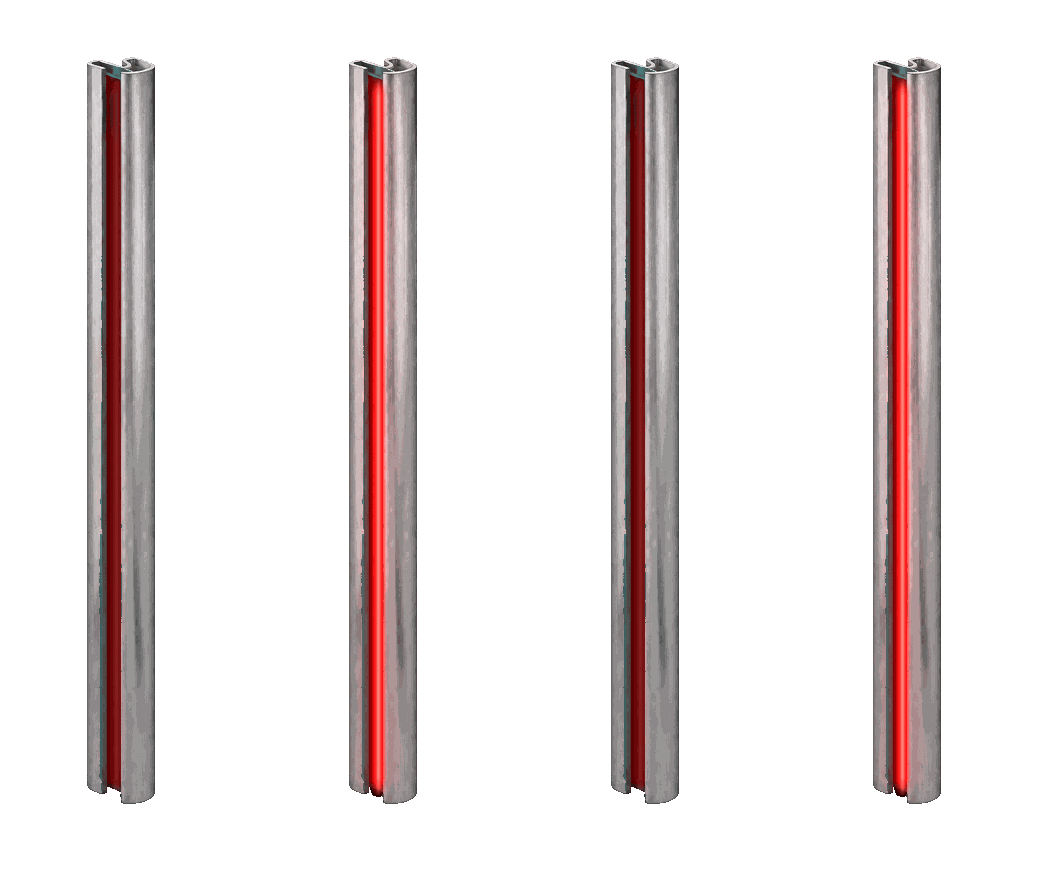
Door Closed
Solid red indicates the door is closed and the opening is not ready for apparatus passage.

Door in Motion
Flashing red warns that the door is actively opening or closing. Remain clear while the door is moving.
Door Fully Open
Solid green indicates the door has reached its configured fully open position. Confirm the travel path is clear before proceeding.
Preannounce
Solid amber gives advance visual notice before door movement begins, where supported and configured.

Designed for Existing Cold Storage Door Equipment
BrinkAlert can often receive compatible signals from door operators, limit switches, relays, sensors, dry contacts, levelers, restraints and dock controls.
Many common operators may be supported, but every application requires review of signals, behavior, sensor placement, controller location and exposure.
Cold Storage Applications

Refrigerated
Warehouses

Frozen Food
Warehouses

Public Refrigerated Warehouses

Multi-Temperature Distribution

Produce &
Agriculture

Pharmaceutical

Beverages &
Dairy

Transportation
Cold Chain
Plan the System Around Your Cold Storage Workflow
Follow products from receiving through refrigerated storage and shipping. Mark where personnel must read door status, dock activity or restricted-view traffic.

Map cooler and freezer doors
Record door and operator models
Identify high-cycle transitions
Mark forklift and pedestrian routes
Locate blind openings and intersections
Identify staging, order-selection and dock positions
Document existing restraints and levelers
Record temperature and moisture conditions
Determine desired visual behavior
Identify controller mounting locations
Review the application with BrinkAlert or an authorized dealer

GALLERY


